PropellerAds SSP MCP Connector: Manage Your Campaigns With Your Fav AI Agent
Imagine you open your usual Claude, Cursor, or ChatGPT(Codex) chat and type something like: ‘In PropellerAds, pause all push campaigns under 0.3% CTR and raise bids by 15% on the top three.’
It says: sure! – and it’s just done. No dashboard, no manual clicking through numbers – your AI agent, be it Claude, GPT, or whatever you already use, handles the routine for you right there in the chat. Just like it writes your briefs, answers your emails, and helps you think, it can now manage your PropellerAds campaigns.
How Does the Connector Work?
It all starts with a .mcpb file – think of it as a connector, like a plug adapter that links your AI agent to PropellerAds. You can grab this file from your PropellerAds account settings or download it directly via NikoAI.
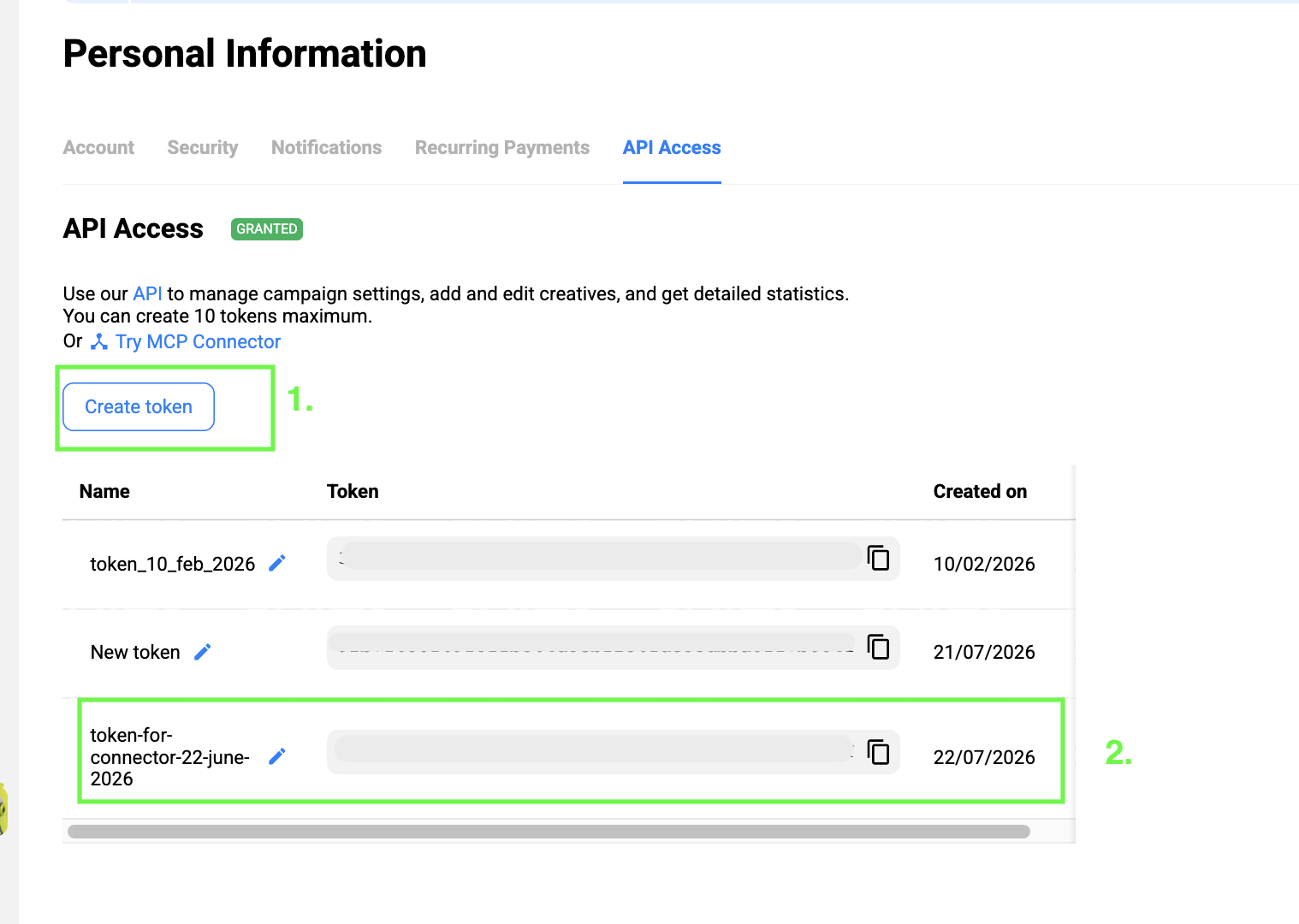
You install it once on your PC. Then, you grab an API token from your PropellerAds account settings –
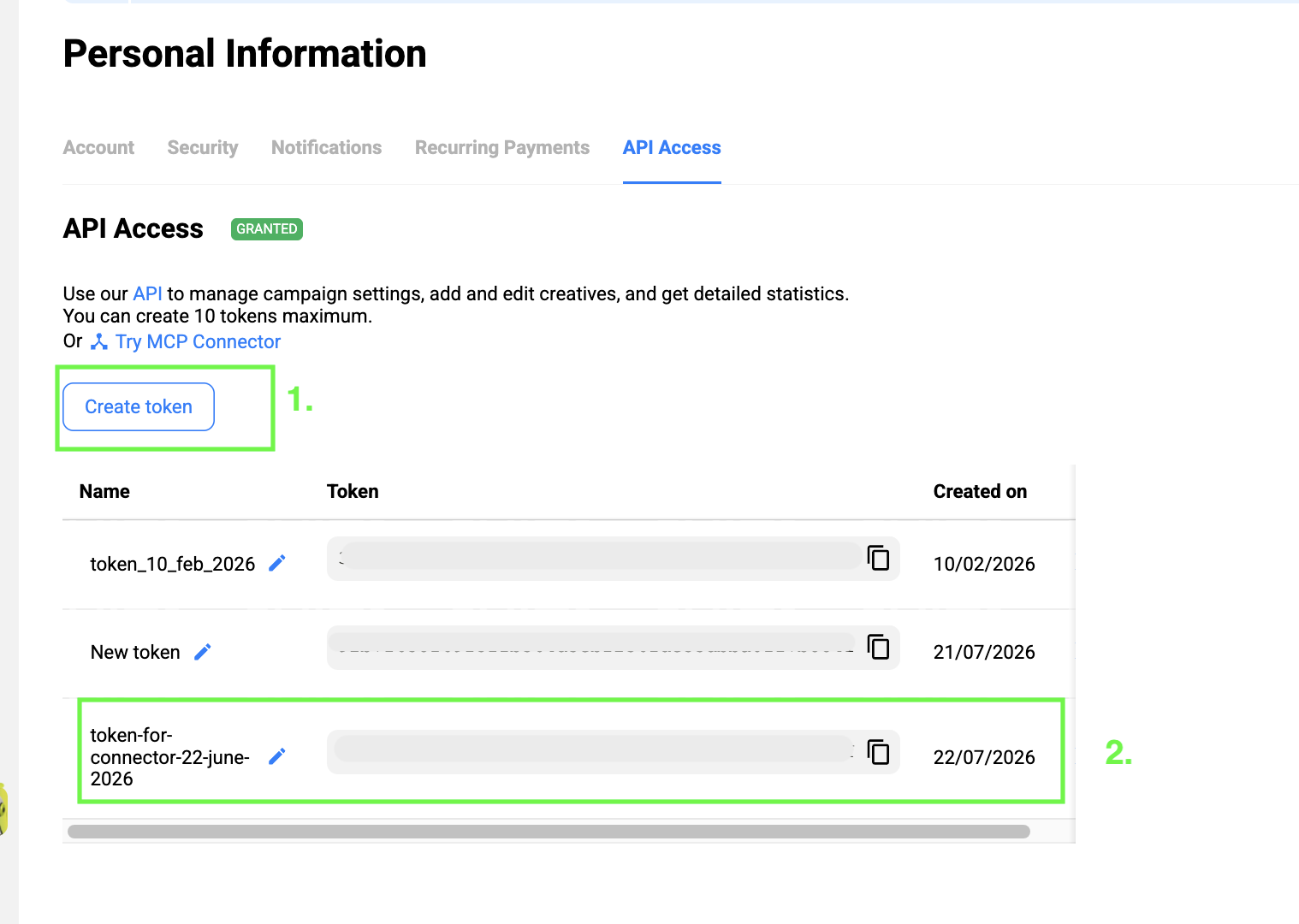
and drop it into the connector’s config. That’s basically all you need to begin.
After this simple setup, your AI agent has access to your advertiser’s account. Here’s what it can actually do:
- Show your campaigns. Get a list of your campaigns, filter them by status (working, paused, draft, etc.), format, or ID. Handy for a quick ‘what’s running right now’ check without opening the dashboard.
- Create a new campaign. Set up a campaign across all formats from scratch: target URL, pricing model, rates by country, budget (daily or total), start/end dates, schedule, and full targeting (GEO, device, OS, browser, language, connection type, VPN traffic).
- Update an existing campaign. Change any of the above on a live campaign – swap the target URL, bump the budget, add a GEO, start, pause, or stop it, adjust the schedule – without touching the dashboard.
- Manage rates. Get PropellerAds’ recommended bids for any GEO, device, or audience, broken down by format. Or go deeper: pull actual rates for your campaigns and individual zones, and update them directly in the chat.
- Look up and fine-tune targeting options. Set or update targeting at the campaign, zone, or sub-zone level. Pull reference lists – countries, regions, cities, devices, OS versions, browsers, languages, mobile carriers – so you always use exact valid values when setting up or adjusting targeting.
- Manage creatives. Add creatives to any campaign, update them, or pause and reactivate specific ones – no need to open the dashboard.
- Check your balance and stats. Pull your current account balance or get campaign statistics right in the chat, without logging in.
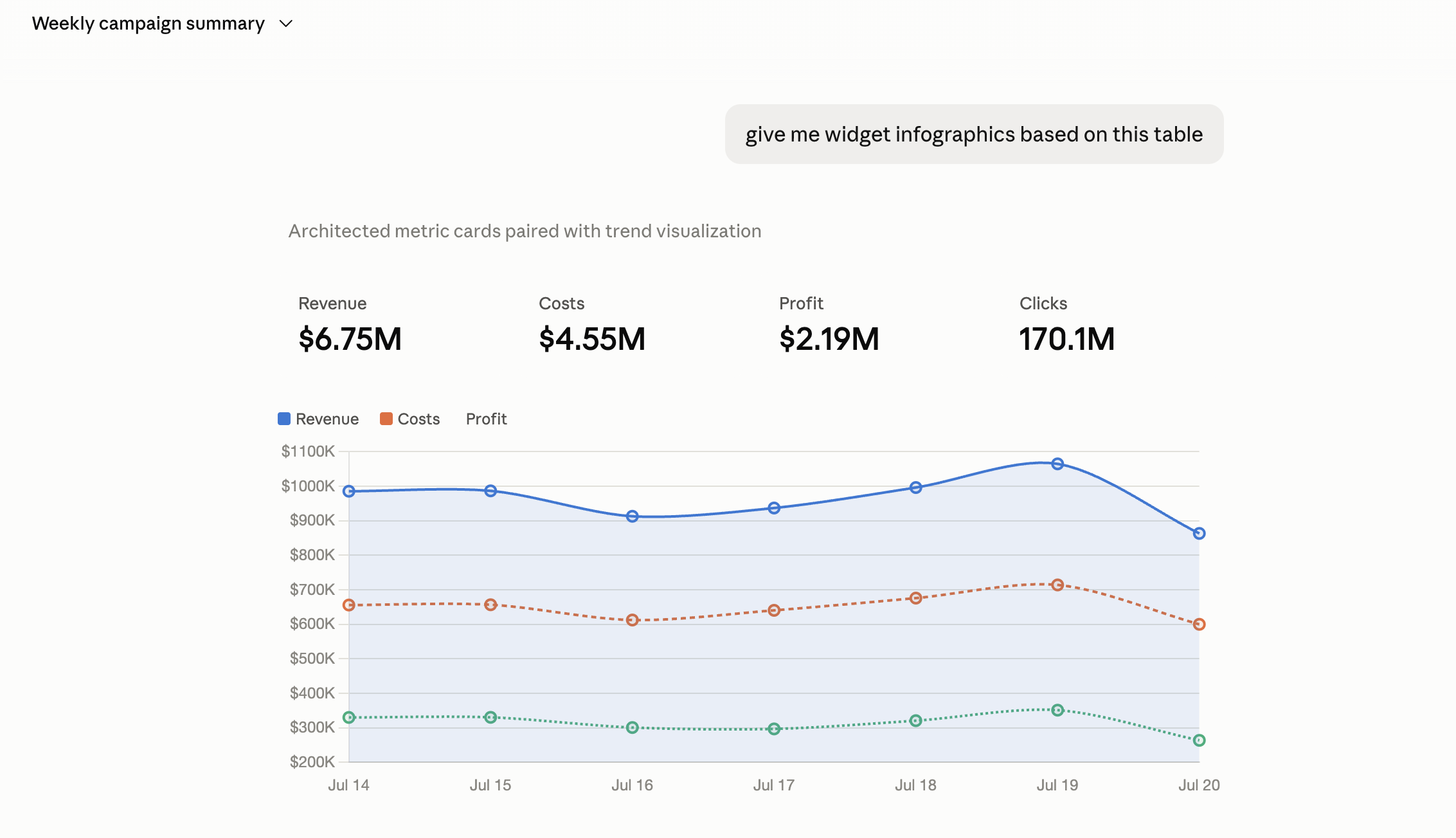
A couple of examples of how it works in Claude:
Why Do I Need This?
The most evident reason to use the connector is to stop doing all of this routine work manually. However, it helps you with more than that. Here are a couple of more use cases:
- Pull stats without opening the dashboard. Just ask your agent what’s happening with your campaigns and get the numbers right in the chat.
- Stay in one chat; fix issues on the go. You’re already talking to your agent when you ask them to pull your stats. So, you spot the problem in the chat and fix it right there. No need to switch tabs, open your dashboard, and lose the context.
- Give your team members instant access. Normally, giving someone access to an ad account means a separate setup for every new team member. Also, you need to contact support to confirm the new account so it doesn’t get flagged as a duplicate. With the SSP Connector, you just send a single .mcpb file and a token. Your colleague opens it, adds a token, and they’re in.
None of this is about replacing your dashboard. It’s about not having to open it every time you just need an answer or a quick fix.
Matvey Schmidt, Head of Advertisers at PropellerAds:
AI agents are the new standard, and our industry is no exception. So we built for both sides of that shift: advertisers just getting started with AI, and those who already run Claude, Grok, and other agents day to day. Either way, the direction is the same: less clicking, more delegating.
This is where the industry is heading, full stop. A year from now, running campaigns without an AI agent will feel like refreshing a dashboard by hand – technically possible, just why would you?
But Is It Safe For My Account?
We know what you’re thinking, so let us address all your concerns.
Wait, am I giving my AI Agent my PropellerAds login and password?
No. There’s no login or password involved. You generate a token in your PropellerAds account settings, and it’s a separate access key, not your credentials. You can revoke it anytime.
That said, treat this token like a password. Anyone who gets hold of it gains full access to your MCP scope. If it ever leaks, rotate it in your account settings: the old value stops working immediately, and your AI clients will need the new one to keep going.
Does this token get stored somewhere, like on OpenAI’s servers or PropellerAds ’?
PropellerAds – yes, it has to. That’s what lets the token work: you generate it in Profile → API, and PropellerAds recognizes it on every request. Think of it like a key to your apartment: the building manager set the lock, so they obviously know which key fits.
The AI provider – no. Anthropic or OpenAI never see the token. It sits in a local config file on your machine, and goes straight from there to PropellerAds. The model itself never touches it.
What if the agent does something wrong and breaks my campaigns?
The agent only does what you tell it to do. It never acts on its own.
Do I need to set everything up again for every team member?
No. You send them one .mcpb file, and they can begin working through their agent right after they open it and add their token.