What Is MCP (Model Context Protocol)?
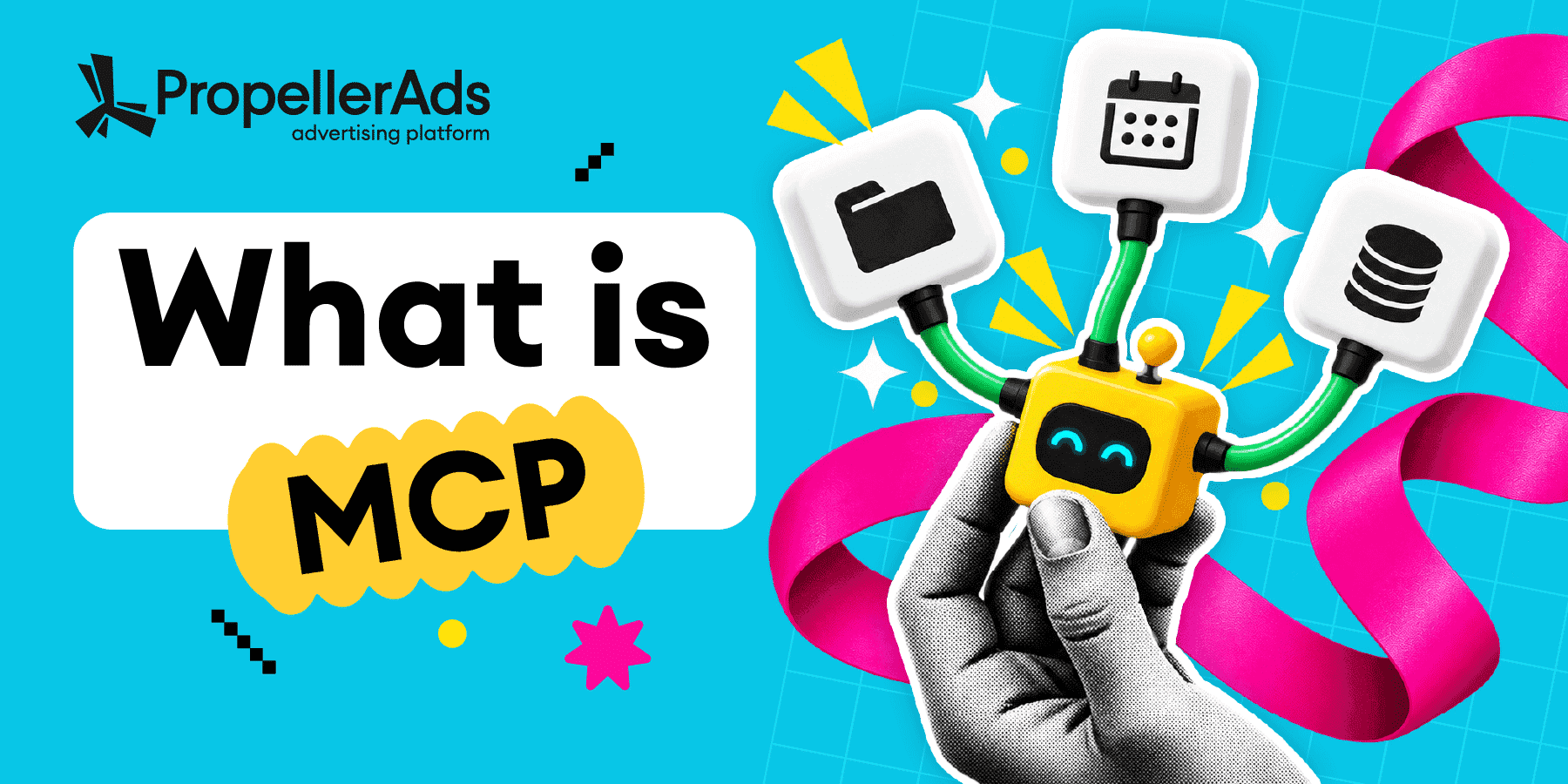
MCP (Model Context Protocol) is an open standard introduced by Anthropic in November 2024 and later adopted by other AI companies, including OpenAI, X, Meta, and others. MCP lets AI agents like Claude and ChatGPT plug into external tools through one shared interface.
Why should advertisers care? With MCP on board, you can now hand off your campaign routine to an AI agent – from launching or pausing campaigns to checking stats right from the chat.
Key facts for advertisers about MCP:
- MCP is a common standard for connecting AI to digital services.
- MCP can connect an AI agent to your ad account too.
- With MCP, you can manage ad campaigns from your Codex (or Claude, or any other AI tool) chat.
- MCP is just a standard that connects the dots. Security depends on you and your provider.
What Is MCP in Simple Terms?
MCP enables two-way connections between AI agents and external services.
- Boost AI capabilities: An AI agent uses connected external apps to retrieve all extra data needed – from planner tasks to image-library creatives.
AI agent
Apps
- Delegate tasks to AI: An external service, such as an ad network, gives the agent access to its functions. That’s exactly our case. With an MCP-connector, you connect AI to your ad account and hand off routine campaign tasks. From now on, AI can take over routine campaign tasks.
AI AGENT
AD PLATFORM
What Does MCP Stand For?
MCP stands for Model Context Protocol.
Context is the info AI needs to understand your request and get the job done. It often pulls that info from other services. So the name means:
- Model – the LLM doing the work.
- Context – the info it needs to do the job.
- Protocol – the shared rules that let the AI and external service understand each other.
For more information, check the official MCP specification, once created by Anthropic, now hosted by the Linux Foundation.
What Is an MCP Server (and an MCP Client)?
An AI agent and an external service speak different technical languages. An MCP server acts as the adapter that helps them understand each other. For an ad platform, the connection looks like this:
AI appPlatforms: ChatGPT, Claude…
MCP servertools and access rights
Platform API
Ad platformcampaigns, statistics, budgets
Where:
- AI app – receives the user’s command.
- MCP client – a module inside the AI app that connects to the MCP server.
- MCP server – translates the command into an available action.
- MCP connector – the link between your AI app and a specific MCP server. For a remote server, it’s just the server URL plus a sign-in. A local server is set up through a config file instead.
- Platform API – passes the action from the MCP server to the ad platform.
- Ad platform – receives the API request and applies it to the connected account.
- Ad account – performs the requested action inside the platform.
What Is MCP Used For?
In general, MCP servers’ capabilities vary. Some platforms offer plenty of actions, others only a few, and some offer no MCP at all. To show what an MCP connector can do, let’s use some of the main features that the PropellerAds MCP connector can offer:
MCP vs API: What’s the Difference?
API (application programming interface) and MCP (model context protocol) are often confused, but they are not the same.
- An API gives access to a service’s functions and data. But it doesn’t tell AI how to use them. A developer usually builds an integration that turns them into tools for AI.
- MCP gives AI apps one standard way to connect to external tools. An AI app can use several MCP servers to work with different services. However, access still requires authorization and permissions.
In other words, you can mix these two:
Still, these two things are easy to mix up, so feel free to check the comparison table below.
| Criteria | API | MCP |
| Goal | Expose service functions and data | Standardize AI access to tools and data |
| Users | Any application | MCP-compatible AI apps |
| Integration | Each app needs its own API integration | One MCP server can work with multiple MCP-compatible AI applications |
| Path | App → API → Service | AI app → MCP → API/tool → Service |
| Setup | Developer-built integration | Connect and authorize a server |
| Requirements | Code, credentials, permissions | MCP app, server, credentials |
| Skills | Programming and API knowledge | Basic knowledge |
Is MCP Safe?
MCP is just a connection standard. The real risks come from the server, its permissions, and the data and tools your agent can access.
That means the security of your connection largely depends on your choices. It also matters who operates the MCP server. An official server from an ad platform is generally more trustworthy than an unknown third-party integration.
What can possibly go wrong:
| Risk | What can happen | Example | Steps to prevent |
| Changes go live instantly | A vague or mistyped request reaches your account with no second look | You type 10,000 instead of 1,000 for the daily limit, and the campaign starts spending at that rate | Keep tool approval on in your AI client, check the parameters before confirming, and set a hard spending cap in your account |
| Prompt injection | Hidden instructions in the external data | While auditing a landing page, the agent reads a hidden command to replace campaign URLs | Limit actions and require approval |
| Tool poisoning | Harmful instructions are added to a tool description | A tool tells the agent to send campaign data to attackers | Use verified MCP servers |
| Data leaks | Sensitive data reaches third parties | Campaign data or access tokens are exposed | Restrict data sharing and audit access |
Which Ad Platforms Have MCP Servers?
Having an MCP connector is already the hottest trend among major companies. By fall 2026, official MCP servers are announced from Google, Meta, TikTok, Amazon Ads, X, Snap, and Microsoft. PropellerAds is also listed in Anthropic’s Connectors Directory for Claude. Want to compare connections, setup options, and read/write access? You will find all of this in our detailed overview of ad platforms that have MCP. Dive in and pick the setup that fits your workflow!
How Do You Start Using MCP (Without Code)?
To use AI agents with PropellerAds through MCP, you only need the PropellerAds MCP connector. That’s it. The connector page includes all the setup details. In short, there are two setup options:
Option 1: Remote MCP Server
This is the recommended option for Claude and ChatGPT. Add a custom connector in your AI app, paste the server URL, and sign in to PropellerAds. No downloads, configuration files, API tokens, or account passwords inside the app are required. Once authorized, PropellerAds tools show up right in the chat.
Option 2: Local Connector File
This option is built for Cursor and Codex and runs on your computer. Download the .mcpb file, create a dedicated API token under Profile → API, and add it to the agent configuration.
The token gives the agent access to your ad account. It is separate from your password and can be revoked anytime.

Remote vs Local
| Feature | Remote MCP server | Local connector |
| AI apps | Claude, ChatGPT | Cursor, Codex(also available for Claude) |
| Where it runs | PropellerAds servers | Your computer |
| Installation | Nothing | .mcpb file |
| Authorization | PropellerAds sign-in window | API token |
| Infrastructure managed by | PropellerAds | User |
Do I need an MCP connector?
When MCP Makes Sense
- Many active campaigns. AI can analyze hundreds of campaigns and flag weak spots.
- Repetitive tasks. Agents speed up daily checks, bid updates, and reporting.
- Multiple ad platforms. One AI agent can work across several networks.
When MCP May Not Be Necessary
- One platform and a few campaigns. Managing two or three campaigns manually is absolutely OK.
- Occasional adjustments. If you check results once a week, MCP saves little time.
- Simple tasks. For a few basic metrics, the platform dashboard may be enough.
FAQ
Model Context Protocol – the standard that connects AI agents to ad platforms. In practice: the agent reads your campaign stats, adjusts bids, and launches campaigns from your chat window.
MCP itself is a connection standard, so the risk depends on the server and the permissions you grant. Use official servers, limit access rights, and require human approval before the agent changes budgets or campaigns. Details are covered in the Is MCP Safe section above.
Not necessarily. Many major platforms provide official servers that you connect to rather than build, but some platforms offer no MCP at all.
The protocol itself is open and free. The PropellerAds MCP connector comes at no extra charge: you pay only for your ad spend.
MCP is becoming part of the media buyer’s daily routine. The fastest way to see it in action is to look at where it already works. Continue with the second guide in our MCP series about Ad platforms that have MCP!
Join our Telegram for more insights and share your ideas with fellow affiliates!
Trends
View more posts